Ncell eSIM Activation 2026: How to Upgrade Your Physical SIM to eSIM in Nepal (Full Guide)
Are you tired of swapping tiny plastic cards every time you travel or change phones? The future of connectivity in Nepal is here, and it’s digital. Ncell has officially streamlined its eSIM (Embedded SIM) service, allowing users to ditch the physical SIM card for a more secure, flexible, and high-tech experience.
Whether you're looking to free up your SIM slot for a local travel card or simply want to use the latest iPhone or Samsung features, here is everything you need to know about activating and upgrading to an Ncell eSIM in 2026.
What is an Ncell eSIM?
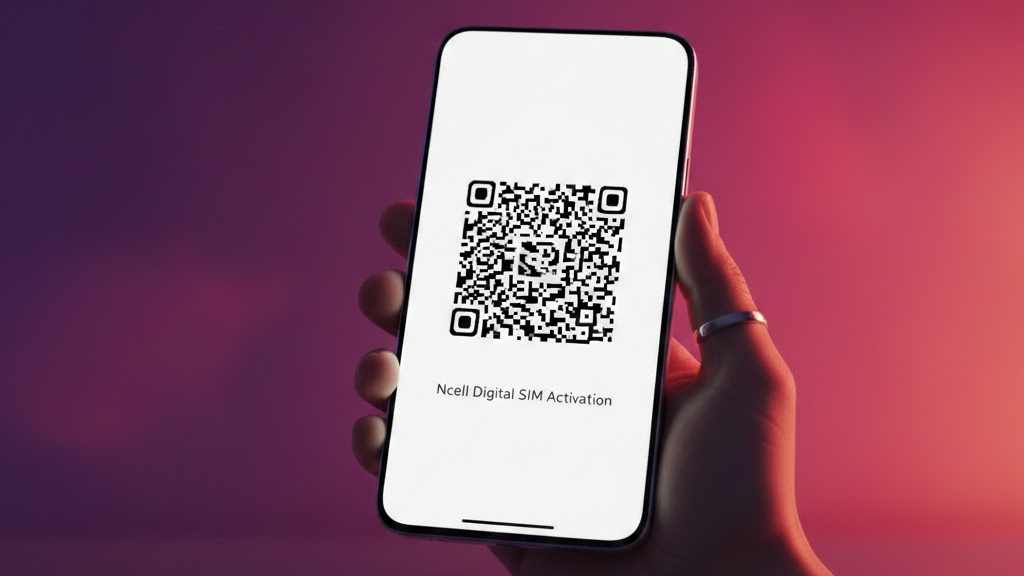
An eSIM is a digital version of the traditional SIM card that is already built into your smartphone. Unlike physical SIMs, you don’t need to insert anything. You simply download your "carrier profile" via a QR code provided by Ncell, and your phone connects to the network instantly.
Why Should You Switch to eSIM?
-
Dual SIM Capability: Most modern smartphones allow you to use one physical SIM and one eSIM simultaneously.
-
Enhanced Security: Since there is no physical card to remove, a thief cannot easily disable your tracking (Find My iPhone/Find My Device) by popping out the SIM.
-
Convenience for Travelers: You can keep your primary Ncell number on eSIM and use the physical slot for local SIMs when traveling abroad.
-
Eco-Friendly: No plastic waste and no packaging.
How to Upgrade Your Ncell Physical SIM to eSIM
Ncell offers two main ways to upgrade. The SMS method is the most popular as it allows you to start the process from the comfort of your home.
Method 1: Upgrade via SMS (Fastest)
-
Compose an SMS: Type your Citizenship Number followed by a comma and your Email Address.
-
Example:
12345678,[email protected]
-
-
Send it to 17125: This SMS is free of charge.
-
Verification Call: An Ncell representative will call you within a few hours to verify your identity and confirm the request.
-
Receive QR Code: Once verified, Ncell will send a unique eSIM QR Code to your registered email address.
-
Scan and Activate: Go to your phone’s settings (Mobile Data > Add eSIM) and scan the QR code.
Method 2: Visit an Ncell Centre
If you prefer face-to-face assistance or are having trouble with the SMS method:
-
Visit your nearest Ncell Centre with your original Citizenship Certificate, Passport, or National ID.
-
The staff will verify your biometric data.
-
You will be provided with a printed QR code to activate the eSIM on your device immediately.
Is Your Device Compatible?
Not all phones support eSIM technology. To check if yours does, simply dial *#06#. If you see an EID (Embedded Identity Document) number in the list, your phone is eSIM-ready.
Popular Compatible Devices in 2026:
-
Apple: iPhone 11 series through to the latest iPhone 16 and iPhone 17 models.
-
Samsung: Galaxy S21 series up to the S25 and S26 Ultra, and all Z Fold/Flip models.
-
Google: Pixel 4 through to the Pixel 10 Pro.
-
Others: Selected flagship models from Xiaomi, Sony, and Motorola.
Cost of Activation
-
Upgrading: Currently, Ncell offers the upgrade from a physical SIM to an eSIM free of charge for its loyal customers.
-
New eSIM: If you are buying a completely new Ncell connection as an eSIM, standard starter pack charges (around Rs. 100) apply, depending on the plan you choose.
Important FAQs
1. Can I switch back to a physical SIM? Yes. If you decide you don't like the eSIM or move to a phone that doesn't support it, you can visit an Ncell Centre to "downgrade" back to a physical SIM. A small SIM replacement fee may apply.
2. What happens if I lose my phone? Contact Ncell immediately to block your eSIM, just as you would with a physical one. Since the eSIM is embedded, it’s much harder for someone else to use your number.
3. Does Ncell eSIM work while roaming? Absolutely. You can use Ncell's international roaming packs on your eSIM just as you would on a normal SIM. Just ensure roaming is activated by dialing *17129#.