
Ncell eSIM in Nepal: Pros, Cons, and Should You Actually Switch? (2026 Guide)
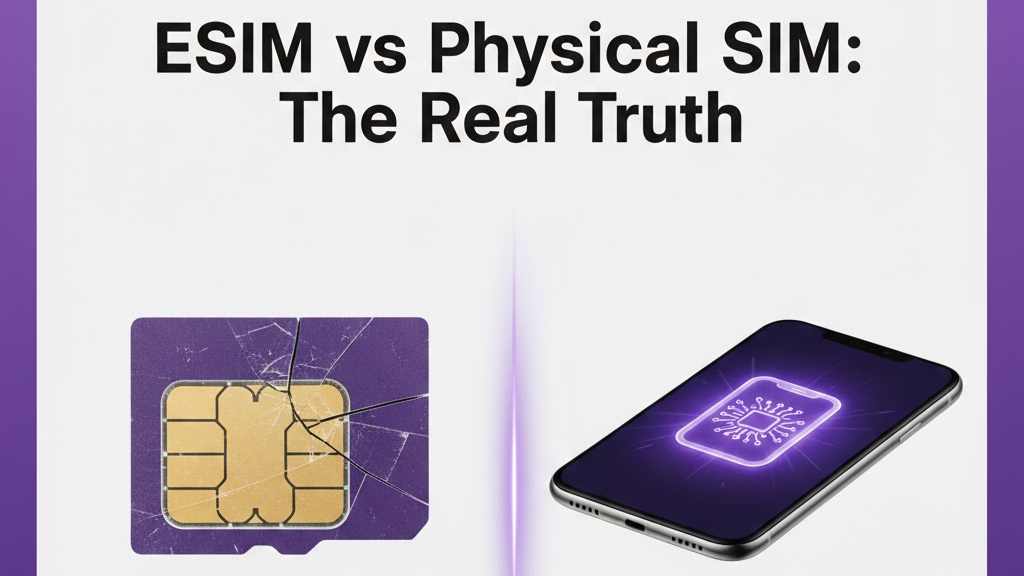
The era of hunting for a paperclip to pop open your SIM tray is slowly coming to an end. Ncell has been pushing its eSIM (Embedded SIM) service heavily, and if you’ve recently bought a high-end smartphone, you probably have the option to go "sim-less."
But "new" doesn't always mean "perfect." While the tech is slick, there are some local quirks you should know about. Here is the breakdown of the Ncell eSIM experience in 2026.
The Pros: Why You’ll Love It
1. The "Anti-Theft" Advantage
This is the biggest win. If someone steals your phone, the first thing they usually do is throw away your physical SIM card to stop you from tracking the device. With an eSIM, they can't. Since the SIM is embedded in the hardware, your phone stays connected to the network, making it much easier to track via "Find My iPhone" or Google’s "Find My Device."
2. Dual SIM Magic (Even on iPhones)
Most iPhones in Nepal only have one physical SIM slot. By switching your Ncell number to an eSIM, you "unlock" that physical slot. This is perfect if you want to use a second number for business or if you’re a traveler who wants to pop in a local SIM while visiting another country without losing access to your Ncell number.
3. No More Damaged SIMs
Physical SIM cards can get scratched, dusty, or just stop working over time. An eSIM is digital software—it doesn't wear out, it doesn't get "loose" in the tray, and you’ll never have to worry about the "SIM Not Detected" error again.
4. Eco-Friendly & Instant
No plastic card, no packaging, and no waste. Plus, you can often trigger the upgrade via SMS from your couch without having to visit an Ncell Centre and wait in line.
The Cons: The "Headaches" No One Tells You
1. The Transfer Struggle
With a physical SIM, if your phone dies, you just move the card to a backup phone and you’re back online. With an eSIM, you’re stuck. You cannot simply "move" an eSIM. You usually need to get a new QR code from Ncell, which often involves a verification call or a visit to a center. If your phone breaks in the middle of a trek, you might be offline for days.
2. No Internet, No Connection
To activate an eSIM, your phone must be connected to Wi-Fi. If you’re in a place with no internet and you accidentally delete your eSIM profile, you can't just reactivate it on the go. You’ll be looking for a Wi-Fi hotspot just to get your mobile signal back.
3. The "Flagship" Paywall
eSIM isn't for everyone yet. While some mid-range phones like the Redmi Note series are starting to include it, it’s mostly reserved for expensive flagships. If you use a budget-friendly Android, you likely won’t even see the option in your settings.
4. Limited to One Active Device
Unlike some international carriers that let you share one eSIM number between your phone and your smartwatch (like the Apple Watch LTE), Ncell’s current system is primarily focused on smartphones. Using the same number across multiple devices is still a bit of a hurdle in the Nepali market.
How to Check If Your Phone is Ready
Don't guess. Dial *#06# on your phone. If you see a long string of numbers labeled EID, your phone is eSIM compatible. If you don't see an EID, stick with your physical SIM for now.
Should You Switch?
- Switch to eSIM if: You own an iPhone or flagship Samsung, you value security, or you travel frequently and need that extra SIM slot.
- Stay with Physical SIM if: You change your phone often, you aren't very tech-savvy, or you live/work in areas with very unreliable Wi-Fi.