
Forgot Your Number? Here’s How to Check Your Ncell Number and Balance Instantly
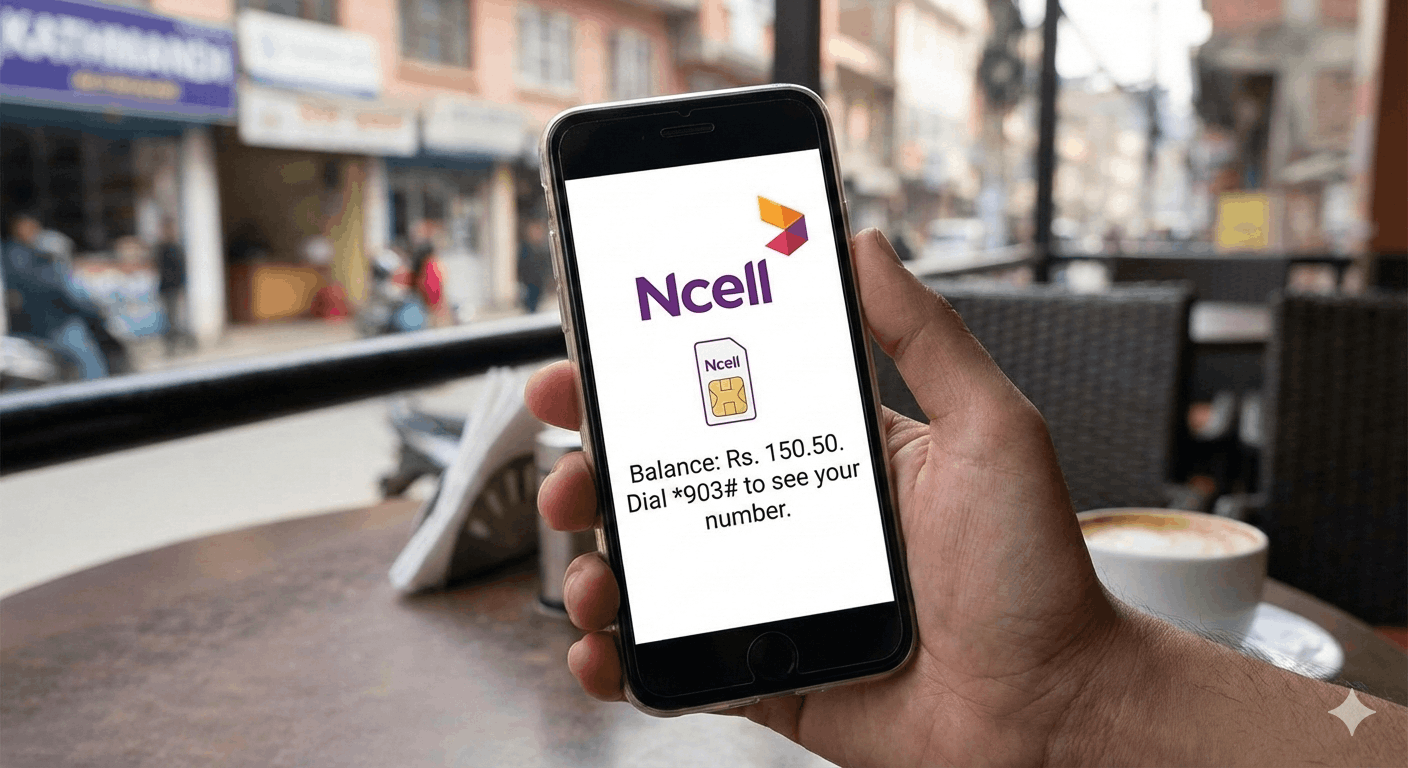
We’ve all been there. You’re at a recharge shop or trying to fill out a form, and suddenly your own mobile number slips your mind. Or perhaps you’re about to make an important call and need to know if you have enough balance left.
In Nepal, Ncell is known for its "Sadhain ON" philosophy, and keeping track of your account should be just as seamless. Whether you’re using a smartphone or a basic feature phone, here are the quickest ways to check your Ncell number and balance in seconds.
1. The Quickest Way: Using USSD Codes (No Internet Needed)
The fastest way to get your info is through USSD codes. These work on every single mobile phone and don’t require a data connection.
-
To Check Your Balance: Dial *101# or *901# and press the call button. A pop-up will immediately show your remaining main balance and the expiry date of your SIM.
-
To Check Your Own Number: If you’ve forgotten your number, simply dial *903# or *103#. Your 10-digit Ncell number will appear on the screen instantly.
Pro Tip: If you have active data packs or SMS bundles, dialing *101# will often show those details too, so you know exactly how many MBs you have left.
2. Use the Ncell App (Best for Smartphone Users)
If you prefer a visual interface, the Ncell App (available on Play Store and App Store) is a must-have.
Once you log in, your phone number and current balance are displayed right on the home screen. The best part? You can see a detailed breakdown of your "Sadhain ON" packs, data usage, and even rewards points without having to remember any codes.
-
Why use the app? It gives you a real-time look at your remaining volume for Facebook, YouTube, or general data packs that USSD codes sometimes miss.
3. Check via SMS
If you find codes hard to remember, you can use the SMS method.
-
For Balance: Simply go to your message box, type ‘bal’ and send it to 90011. You’ll receive a text message back with your balance details. This is helpful if you want to keep a record of your balance in your inbox.
4. Web Self-Care
For those working on a laptop or tablet, you can visit the Ncell Web Self-Care portal on the official Ncell website. By logging in with your credentials, you can manage your account, check your number, and see your recharge history from any browser.
5. What if I have zero balance?
One of the best things about Ncell’s USSD codes (*101# and *903#) is that they are completely free. Even if you have zero balance and cannot send an SMS or make a call, these codes will still work to show you your information.